Logo — start here
Upload your logo to build your stamp. Text is optional.
Live preview
Ink colour
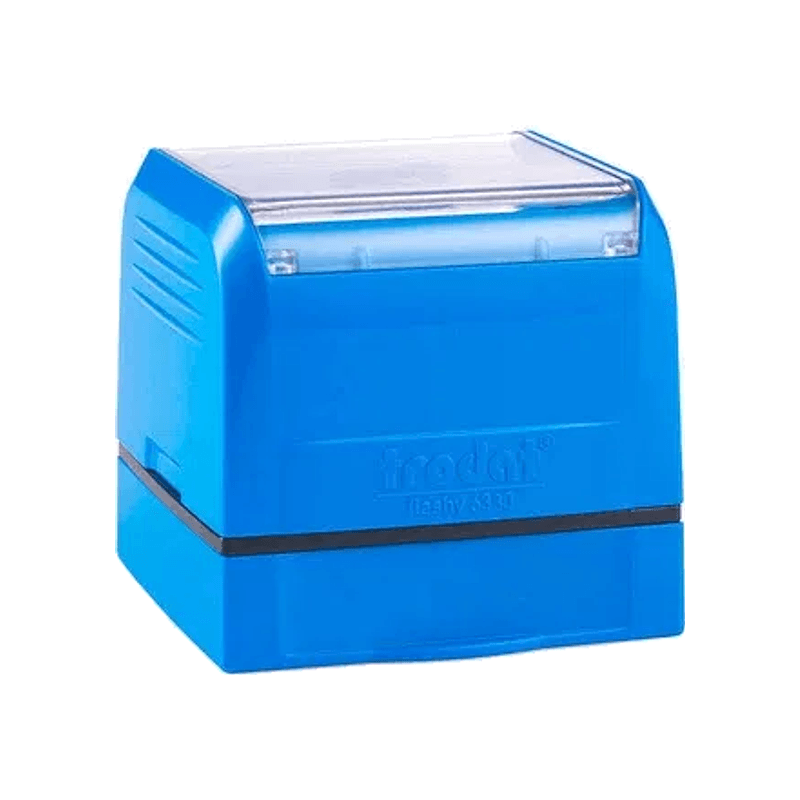
Type your stamp text — or upload a logo — to continue.
QR Code Stamp
Turn any QR code into a stamp and put it on menus, packing slips, bags and visiting cards: your UPI payment, your Google review page, your Instagram or your online menu. Upload the QR image and check the preview. Sized correctly, the stamped code scans like a printed one.
Design your stampWhat people put in a QR stamp
- A UPI QR so customers can pay from a bill or a parcel
- A Google review link on the thank-you card inside each order
- The online menu link on a table card or a takeaway bag
- An Instagram or WhatsApp catalogue link on packaging and flyers
How big the code must be to scan
Keep the QR code at least 20 × 20 mm on the stamp. Ink spreads very slightly on paper, and below that size the little squares start to merge.
Use a short link. A short review link or a UPI ID makes a code with fewer, bigger squares; a long web address packs in many tiny ones, so shorten it with a link shortener before you make the QR image.
Upload a sharp black-and-white QR image with its white border intact, and leave out any logo in the middle.
The size for a QR stamp
One size does this job well: the 30 × 30 mm square, with the code on its own. The builder opens on it with the logo set to Large, so the code fills about 28 mm of the stamp.
Wide and round stamps leave too little height for a code that scans reliably, and so does adding a line of text, so keep the words ("Scan to pay", "Review us") on the menu or label next to the stamp. The price includes GST and delivery.
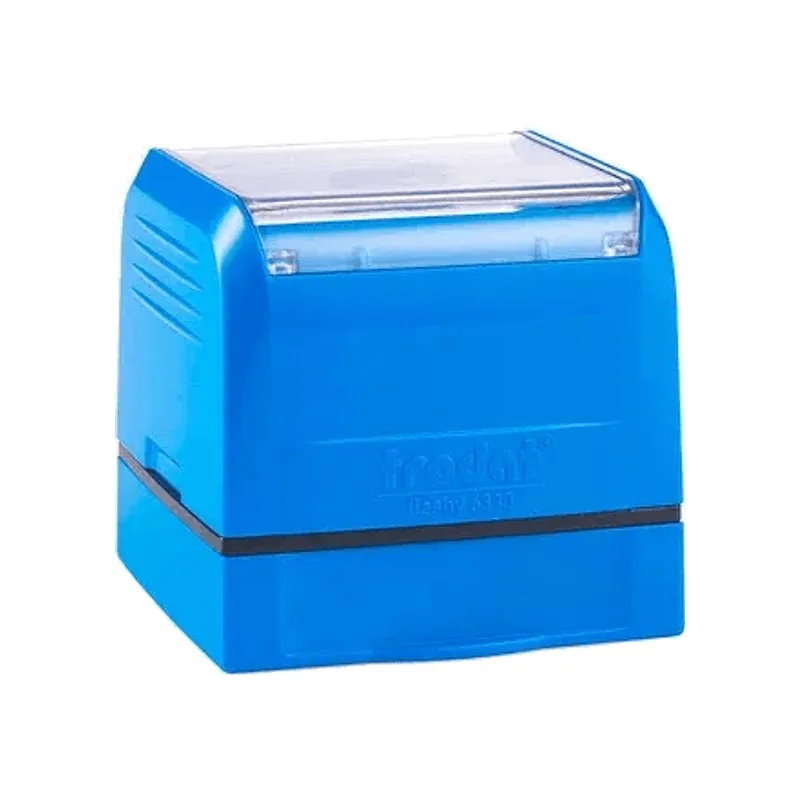
30 × 30 mm
₹475 incl. GST
Frequently asked questions
- Will a stamped QR code really scan?
- Yes, when the code is at least 20 mm across and made from a short link. Stamp it on smooth paper or card, and test the first impression with your phone.
- Which size is best for a QR code?
- The 30 × 30 mm square at ₹475: the code can fill almost the whole stamp.
- Can I add text such as "Scan to pay"?
- Not on the QR stamp itself. Text takes height away from the code and leaves it too small to scan reliably, so print or write the words beside the stamp, or order a small text stamp as well.
- What if my link changes later?
- The stamp keeps the code you made it with. Point the QR at a link you control, such as a short link you can redirect, so the stamp stays useful.